1.3 The sign-in box
The accounts page shows one box (Figure 1.3). It has two tabs at the top. Students use the left-hand tab, I’m a student, which is already selected when the page opens. The other tab is for lecturers; ignore it.
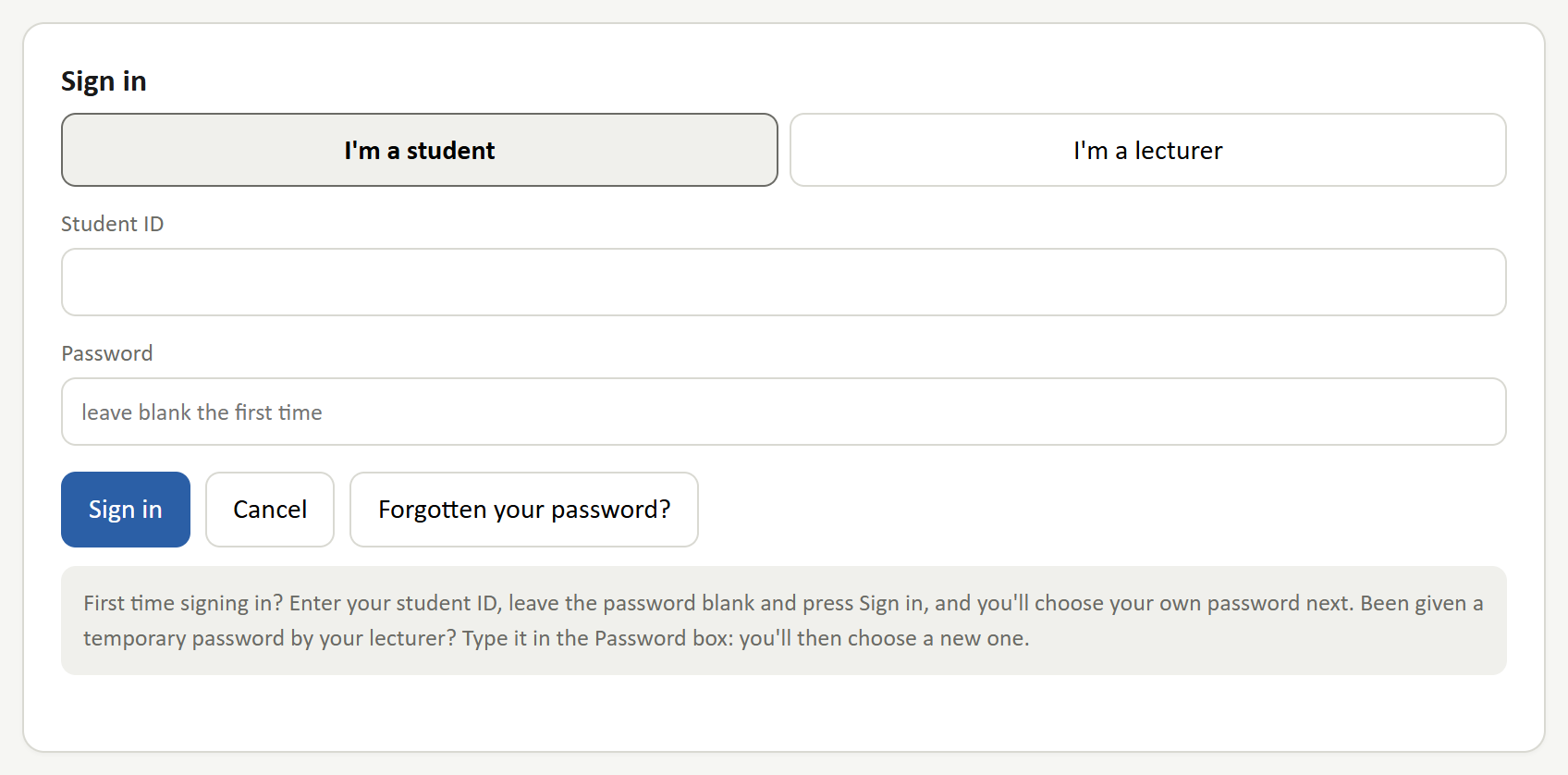
The box has two fields:
- Student ID
- Your university student ID number, as your tutor has registered it.
- Password
- The password you chose for yourself. The first time you sign in, leave this blank (see below). If your lecturer has given you a temporary password, type that here instead (see “If you forget your password”).
There are also three buttons: Sign in; Cancel, which takes you back without signing in; and Forgotten your password?. If you press Sign in by mistake, Cancel is the way out.